Turn your Android device into a powerful Linux workstation. Follow this simple Termux tutorial to learn how to install the app, configure it properly, and start using essential terminal commands in minutes.
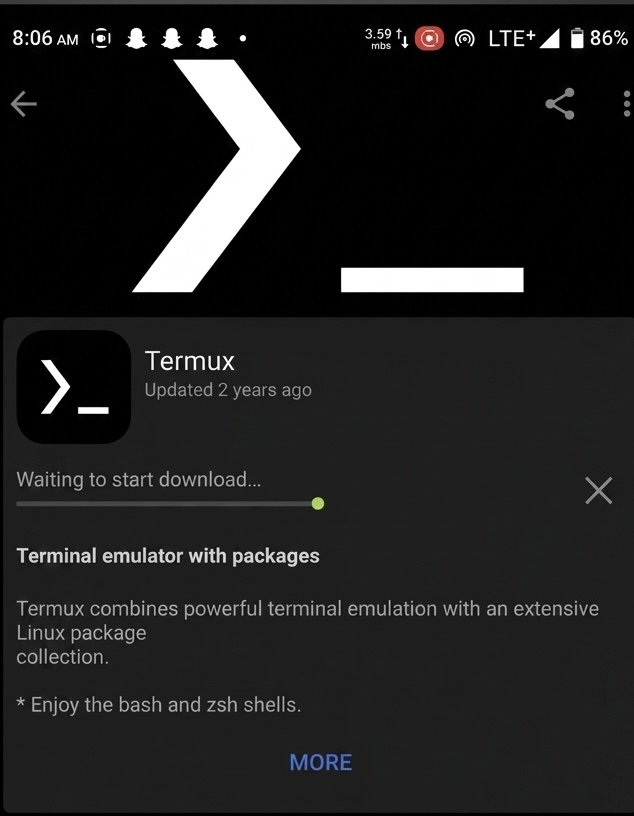
If you’ve ever wanted to bring the power of a Linux terminal to your Android device, Termux is one of the best tools available. In this tutorial, I'll walk you through the process of downloading, installing, and setting up Termux on Android.
Whether you’re learning programming, managing servers, running scripts, or simply exploring Linux commands, Termux provides a lightweight and powerful environment directly on your smartphone.
What Is Termux?
Termux is a free Android terminal emulator that provides access to a Linux-like command-line environment.
Unlike many terminal applications, Termux allows users to install packages, run programming languages, manage files, and execute scripts without requiring root access.
It is widely used by developers, cybersecurity enthusiasts, system administrators, and students who want a portable Linux environment on Android.
Why You Should Use It?
Portable Linux Environment: Access Linux tools directly from your phone.
Programming Support: Run Python, Node.js, Bash, and many other languages.
Package Management: Install utilities and development tools using package commands.
No Root Required: Most features work on standard Android devices.
Learning Platform: Excellent for practicing Linux commands and scripting.
Requirements
Before installing Termux, ensure you have:
An Android smartphone or tablet
A stable internet connection
Sufficient storage space
Permission to install applications from trusted sources
These tools provide version control, programming capabilities, and text editing functionality.
Common Use Cases
Running Python scripts
Learning Linux administration
Managing Git repositories
Web development practice
Server management tasks
Cybersecurity and networking labs
Automation and scripting projects
Conclusion
Termux transforms an Android device into a powerful command-line workstation. With a simple installation process and access to thousands of Linux packages, it serves as an excellent tool for developers, students, and technology enthusiasts.
By following the setup steps outlined in this tutorial, you can quickly begin exploring programming, Linux administration, and automation directly from your smartphone.
Disclaimer: This article is intended for educational and informational purposes only. Always download software from trusted sources and use terminal tools responsibly.
My name is Randy Dwomoh, a Computer Science graduate from Kumasi with expertise in Python programming, web design, artificial intelligence, and cybersecurity fundamentals. Born on 2 May 2002, I currently serve as a National Service Personnel and work as a freelancer. I graduated with Second Class Honours and hold certifications in Artificial Intelligence and Fibre Optics. Passionate about technology and innovation, I aspire to pursue advanced studies in cybersecurity and contribute to the development of secure and intelligent digital solutions.
Learn how to seamlessly mirror your Android device to your PC using Scrcpy over wireless debugging, plus an introduction to a custom tool to make the connection process effortless.




Comments
0 comments · Page 1 / 1