
How to set up pop os bootloader (systemd-boot)
Linux
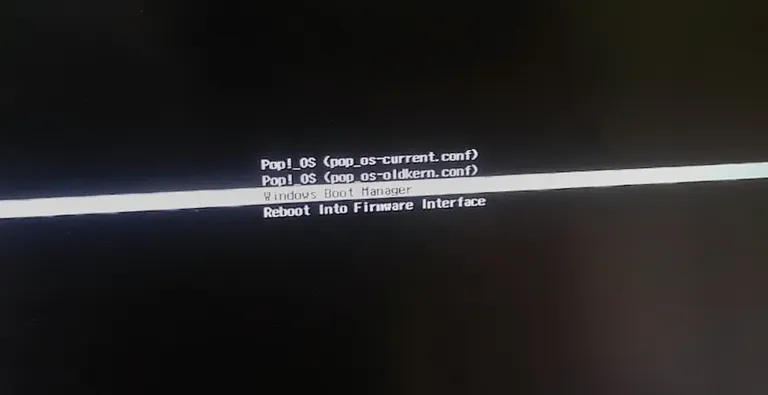
Unlock seamless dual-booting! Tired of the boot menu guessing game? This quick guide gives you a clean, clear menu to switch between Windows and Pop!_OS like magic. Level up your dual-boot game!
POSTS
Unlock seamless dual-booting! Tired of the boot menu guessing game? This quick guide gives you a clean, clear menu to switch between Windows and Pop!_OS like magic. Level up your dual-boot game!
You just managed to dual boot Windows and pop os, congrats, now you wanna set up a menu so you can switch between your Windows and pop os with ease. in this video, I'll be showing you how to do just that. Well, this isn't that video but here we go.
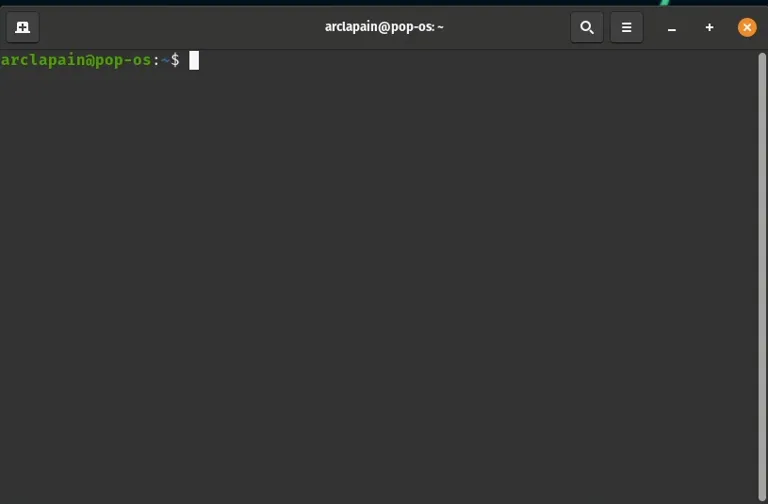
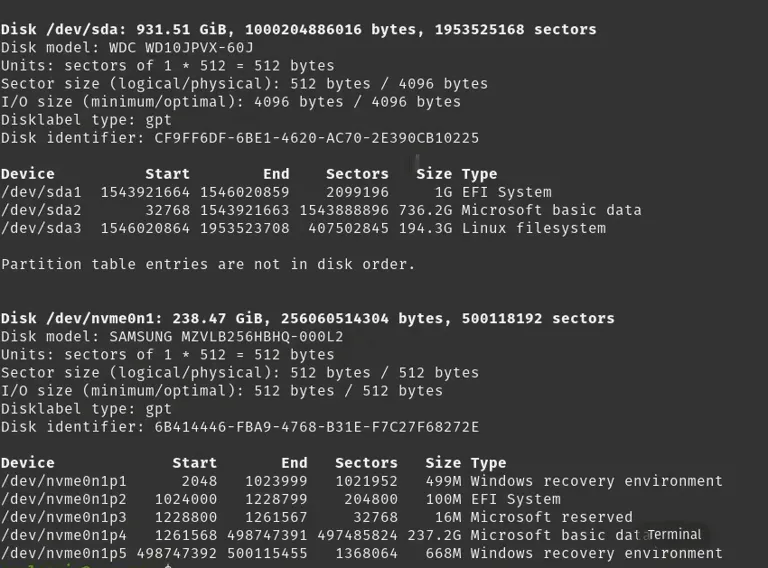
$ sudo fdisk -l

$ sudo mkdir /mnt/windows
$ sudo mount /dev/{YOUR WINDOWS EFI SYSTEM PARTITION DEVICE} /mnt/windows
Example - $ sudo mount /dev/nvme0n1p2 /mnt/windows
Now time to copy your windows boot files into your boot folder.
$ sudo cp -r /mnt/windows/EFI/Microsoft /boot/efi/EFI
$ sudo ls /boot/efi/EFI

$ sudo nano /boot/efi/loader/loader.conf
timeout 60s
console-mode max

Android users have had Mihon for years, while iOS was stuck with popups and expired TestFlight betas. This guide walks you through setting up Aidoku on iPhone or iPad without needing a PC after day one.
Author
Japhet Adofo-Adjei
Duration
7 min

How to install and use MovieBox TUI on Windows, Linux, and Android with Termux to stream and download movies and TV shows directly from your terminal.
Author
Llewellyn Paintsil
Duration
8 min

Learn how to use Chrome Remote Desktop to securely access your computer, provide remote support, and connect to headless Linux devices from anywhere.
Author
Anna Ablordeppey
Duration
4 min

Comments
0 comments · Page 1 / 1