In the vast realm of Linux customization, even the smallest details can make a significant impact on your user experience. One often-overlooked aspect is the mouse cursor, which, with a touch of personalization, can add flair and uniqueness to your desktop. In this guide, we'll explore how to customize your Linux mouse cursor, turning a mundane pointer into a personalized extension of your style.
Step 1: Go to Gnome-look.org and search for the cursor you want to use, it has a large number of cursors to pick from so take your time and go through it, this page will be here waiting for your return.

Step 2: Once you have found the cursor of your choice. You would need to download and install Ocs-url to make it easy to install the cursor.
Step 3: After installing the ocs-url, go back to the cursor you picked and click on the install button. It will give you a couple of options just pick any, others' too will give you only one option.

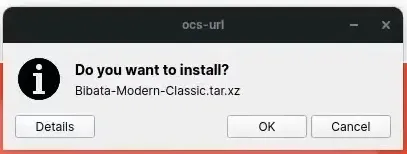
Step 4: ocs-url should open so you can download and install your cursor. Just click the okay as you usually do for everything.
Step 5: Open Gnome Tweaks and change your mouse cursor.
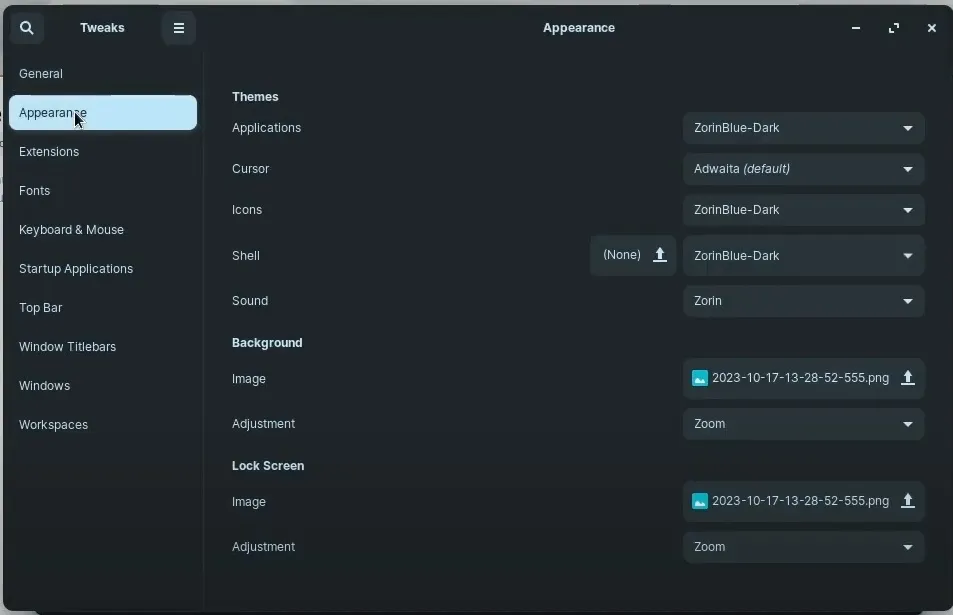
That's it, you've changed your mouse icon to suit your style. It's very easy to do.
But note, some apps won't use the new cursor, so to make it use it, use flatseal to give it access to the cursor folder then the app will start using the cursor.




Comments
0 comments · Page 1 / 1