
Checking If Your PC can play a Game
Tutorial
Worried your PC will EXPLODE trying to run that new game? Relax! This simple website SAVES THE DAY! 'Can You Run It?' is your pre-game sanity check. Click play and game with confidence!
POSTS
Worried your PC will EXPLODE trying to run that new game? Relax! This simple website SAVES THE DAY! 'Can You Run It?' is your pre-game sanity check. Click play and game with confidence!
One of my regrets is spending my money and data to buy a game that my PC can't play, it hurts so bad to be excited about a game just to realize you lack the necessary capabilities to play the game.
So then I made up my mind that I won't let it happen again so I discovered a way to check if my laptop can play before I even bother downloading it.
To go about checking if you can play any game you need to visit this site Can You Run it?
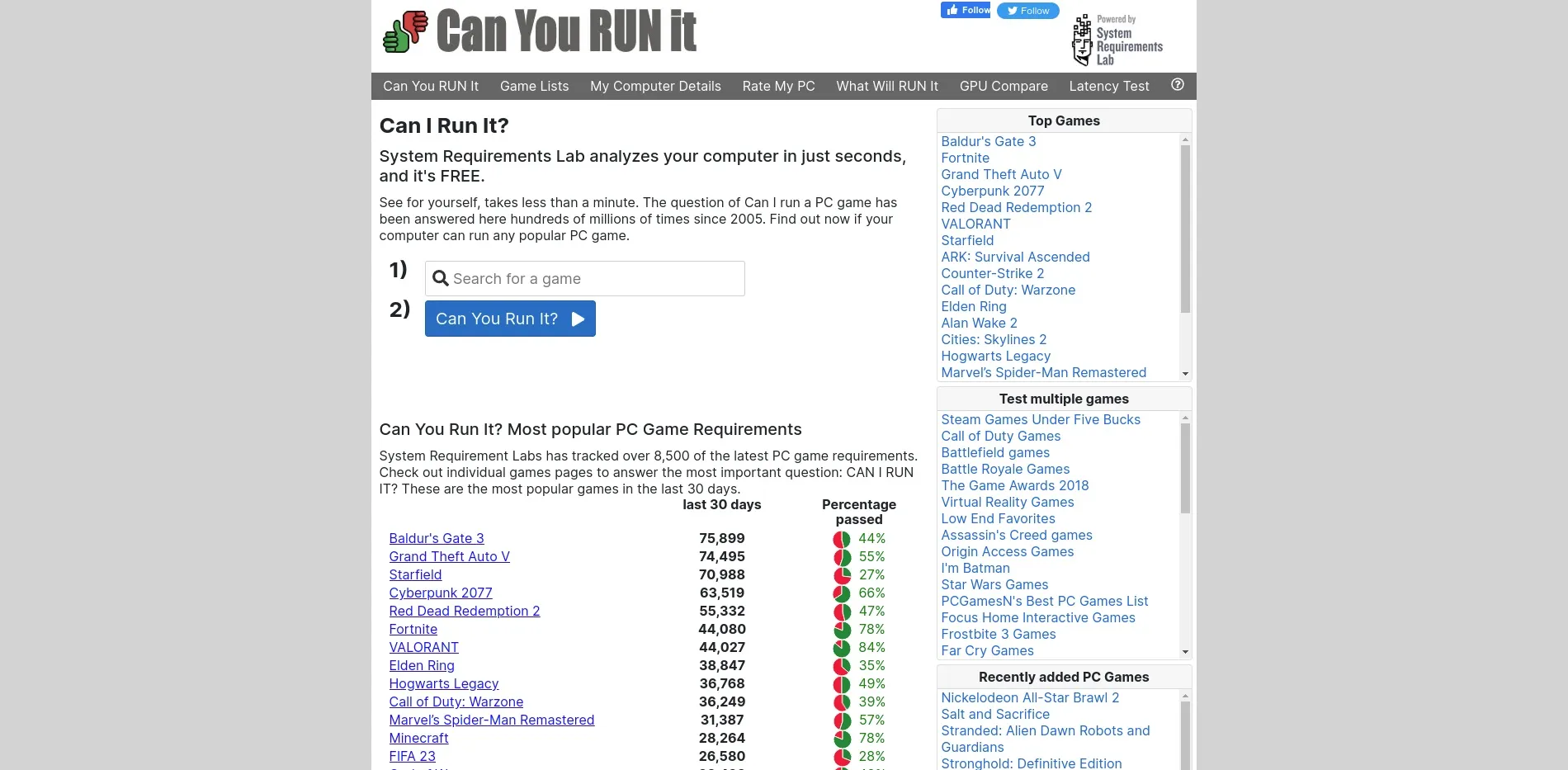
Search for the game you want to check, and click on the blue button

It will download a tool that will check your system and see your hardware, just let it complete then it will tell you if you can run it or not.
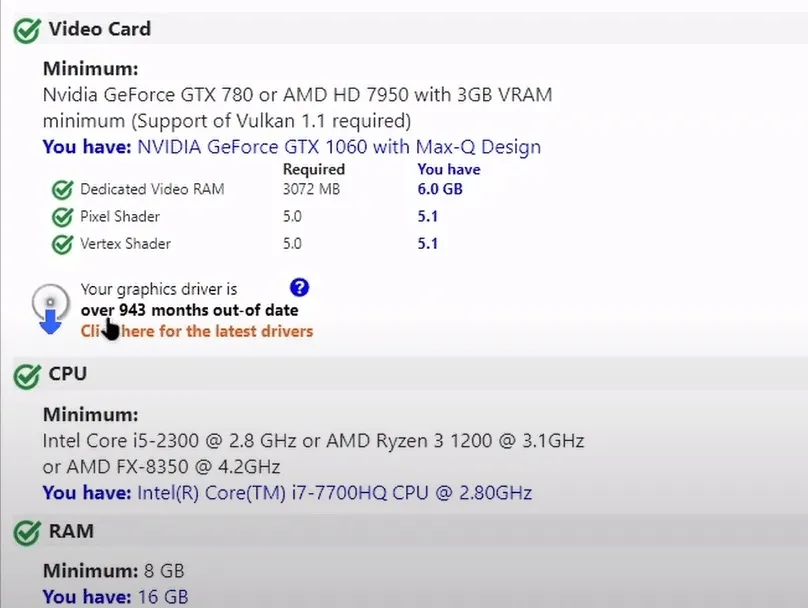
That's how you check if your PC can play any game you want to download.

Android users have had Mihon for years, while iOS was stuck with popups and expired TestFlight betas. This guide walks you through setting up Aidoku on iPhone or iPad without needing a PC after day one.
Author
Japhet Adofo-Adjei
Duration
7 min

How to install and use MovieBox TUI on Windows, Linux, and Android with Termux to stream and download movies and TV shows directly from your terminal.
Author
Llewellyn Paintsil
Duration
8 min

Learn how to use Chrome Remote Desktop to securely access your computer, provide remote support, and connect to headless Linux devices from anywhere.
Author
Anna Ablordeppey
Duration
4 min

Comments
0 comments · Page 1 / 1